
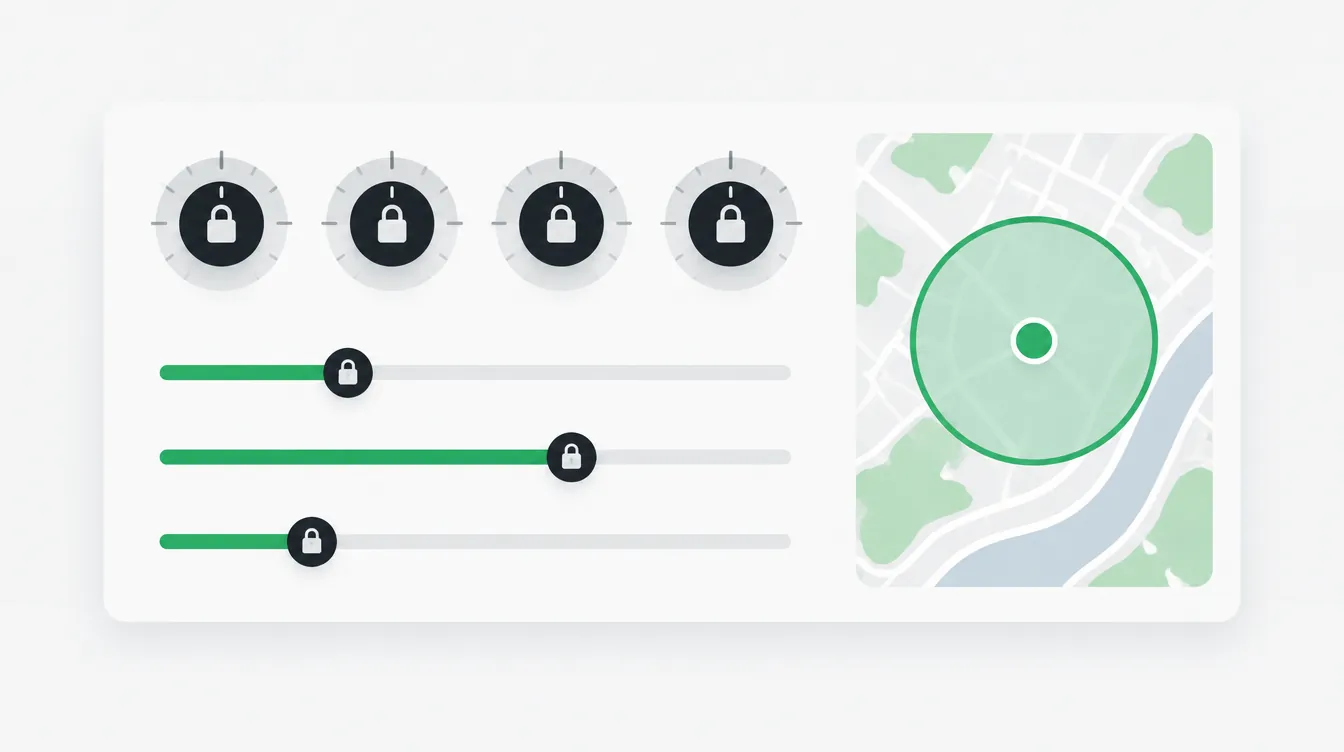
Direct answer: Special Ad Category targeting rules lock down most of the audience panel for US campaigns in categories like financial products and services [2]. Age is generally fixed at 18 through 65+ [2]. Every gender is included [2]. You can't use ZIP codes or exclude locations [2]. City and pin targets get a 15-mile radius in the US [2]. Lookalikes are out, and so are detailed targeting exclusions [2].
You set up the ad set the way you always do. Then you switch on the Special Ad Category, and half the audience panel goes gray. This guide walks that panel from top to bottom, one locked field at a time. You'll see what changed and why it is not a bug.
Who this applies to. Starting January 21, 2025, advertisers based in the US, or showing ads to people in the US, must use the Financial Products and Services category for those campaigns [1]. That category replaced the old Credit category [1]. Meta's credit examples include credit cards and many kinds of loans, such as auto or mortgage loans [4]. Debt consolidation and relief is on the list too [4]. In the US, the category can also cover insurance products [4]. Home equity and appraisal services appear under Meta's housing examples [4].
The limits also reach past the US border. Meta lists Canada and certain European countries and territories alongside the US [2]. Meta's ad standards say these advertisers must self-identify as a Special Ad Category [3]. They must also run the ads with approved targeting options [3]. Meta says the limited audience tools help protect people from unlawful discrimination [1].
The ad set, before and after. Here is the whole panel at a glance.
| Ad set field | Before you switch it on | After you switch it on | Source |
|---|---|---|---|
| Age | You set the range | Generally fixed at 18 through 65+ | [2] |
| Gender | You choose | All genders, not editable | [2] |
| Location | ZIP codes and exclusions available | Broad places only; no ZIP, no exclusions | [2] |
| City, address or pin | Your own radius | Expanded radius (15 miles in the US and Canada) | [2] |
| Detailed targeting | Include and exclude | Some options removed; no exclusions | [2] |
| Lookalikes | Available | Advantage+ lookalike unavailable | [2] |
| Saved audiences | Load as saved | Updated to meet category limits | [2] |
Age: can you still pick an age range?
Mostly no. Meta says age options in these categories are generally fixed at 18 through 65+ [2].
Meta's ad standards also set a floor. Ads promoting loans or credit cards must target people 18 or older, and the same floor applies to insurance services [3].
There is one carve-out on the page. Advertisers running credit ads in Europe can select a different age range to meet industry and local requirements [2]. The page lists no similar option for US advertisers [2].
This is where it bites. Some offers are built for one life stage, like a product for people near retirement. Under the category, you can't limit the ad set to that age group [2].
Gender
Every gender is included, and there is no switch to change it.
Meta's audience page says audiences must include all genders. It also says you can't edit this setting [2].
This catches buyers who copy an older ad set into a new category campaign. If that old ad set leaned on a gender split, the split won't survive [2].
Location: how Special Ad Category targeting rules set the 15-mile radius
You can still target real places, but small targets get stretched.
Meta lets you target broad places, such as a state or a city [2]. You can't target by ZIP code or postal code [2]. You also can't exclude locations [2].
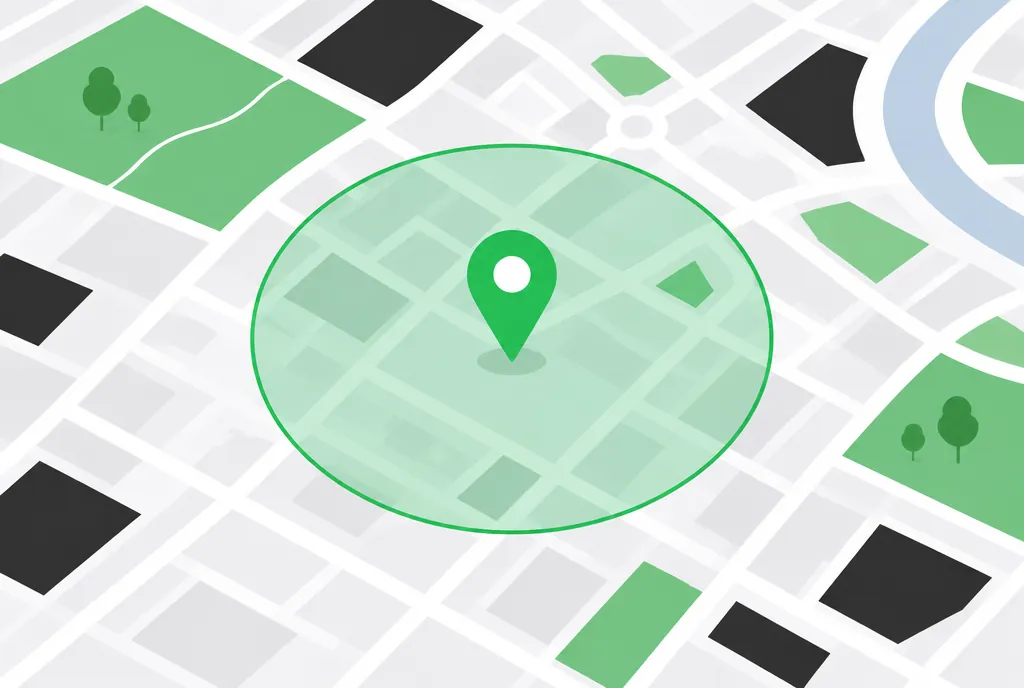
The radius is the part that surprises people. When you target a city or drop a pin, Meta expands the audience to include a radius around it [2]. Meta's own example uses Seattle. Target that city in the US, and your audience also includes people within 15 miles of its city center [2].
The required radius by region
| Where the audience is | Required radius | Source |
|---|---|---|
| United States, Canada | 15 miles (25 km) | [2] |
| Listed European countries, such as France or the United Kingdom | 10 miles (17 km) | [2] |
Here's a made-up example. Say you are a broker who only works in one small town. You drop a pin on Main Street. Your ad set now reaches that town plus everyone within 15 miles of the pin [2]. That circle can include towns you never serve.
Why are ZIP codes off the menu? Meta says the limited audience tools help protect people from unlawful discrimination [1]. The practical point is simple. ZIP-level targeting and location exclusions are not available in these campaigns [2].
Detailed targeting
Some interests and behaviors survive. You can only use them to include people.
Meta says some interest and behavior options are unavailable in these categories [2]. Some demographic options are gone too [2]. Excluding any detailed targeting selection is also off the table [2].
In practice, the search box feels thinner. Terms available in a standard campaign may not appear at all [2].
Losing exclusions can hurt more than losing a few interests. Meta's scope note lists audience exclusion targeting as limited or unavailable [2].
Lookalikes and saved audiences: what survives the switch?
Lookalikes are out. Saved audiences get rewritten to fit the rules.
Meta's audience page states that Advantage+ lookalike is unavailable [2]. Its scope note also lists lookalike audiences as limited or unavailable [2]. Saved audiences appear on that same list [2].
Saved audiences don't throw an error. Meta says a saved audience you use will be updated to comply with the category's audience restrictions [2]. So the audience you load may not match the one you saved. The name stays the same, so reread the full audience panel after you load one.
One more note for veterans. If you remember Special Ad Audiences from older campaigns, Meta's current audience help page does not mention them by name [2].
Custom audiences and financial ad rules
Custom audiences still have a place. Meta's audience page notes that some options, such as custom audiences, may only be available through Meta Ads Manager [2].
That page does not address customer list certification [2]. Read any terms Ads Manager shows you when you upload a list. If you are unsure what they commit your business to, ask your attorney.
Meta's ad standards add more rules for financial advertisers. Ads must not directly ask for personally identifiable information, meaning details that point to who someone is [3]. They also can't directly ask for certain types of financial information [3].
Advertisers may need to verify their identity [3]. Where regulators require it, they may also need to show they are authorized [3]. Meta may review that authorization [3]. Advertisers must also follow disclosure rules set by law [3].
Advantage+ audience: does it work under the category?
Meta's official pages do not address Advantage+ audience by that name [1][2][3][4].
Here is what they do say. Advantage+ lookalike is unavailable [2]. Advantage+ catalog ads, formerly called dynamic ads, face the same limitations as other category ads [1]. For anything beyond that, treat Ads Manager as the final word.
A common misconception is that these limits are a bug or a temporary setting. They are policy. Meta's ad standards require qualifying advertisers to self-identify and run approved targeting options [3].
Applying these rules to a specific offer is where experience matters. If you want to talk through yours, get in touch. For more plain-English explanations of the rules, browse our other guides.
Frequently asked questions
Can I target by age?
For US campaigns in these categories, Meta says age is generally fixed at 18 through 65+ [2]. Ads for loans or credit cards must reach people 18 or older, and so must insurance ads [3]. Credit advertisers in Europe can pick a different range to meet local rules [2].
Why is my radius 15 miles?
Meta expands any city, address or pin target in a Special Ad Category campaign to a required radius [2]. In the US and Canada, that radius is 15 miles, or 25 kilometers [2]. A long list of European countries uses 10 miles, or 17 kilometers [2]. You can't shrink it [2].
Can I exclude ZIP codes?
No. You can target broad places like a state or a city, but not ZIP or postal codes [2]. Meta also says you can't exclude locations at all [2]. City targets in the US carry the 15-mile radius [2].
Can I use Advantage+ audience?
Meta's official pages do not say. They do say Advantage+ lookalike is unavailable in these categories [2]. Advantage+ catalog ads face the same limits as other category ads [1]. Check Ads Manager and Meta's Business Help Center for current options.
Related guides
Educational content only. Keith Guirao is not an attorney or financial advisor, and this is not legal advice. Meta's policies change, so check Meta's Business Help Center for current rules.
Sources
- Meta Business Help Center, How to Choose a Special Ad Category. https://www.facebook.com/business/help/298000447747885
- Meta Business Help Center, About Audiences for Housing, Employment or Financial Products and Services Campaigns. https://www.facebook.com/business/help/2220749868045706
- Meta Transparency Center, Introduction to the Advertising Standards. https://transparency.meta.com/policies/ad-standards/
- Meta Business Help Center, About ads for housing, employment or financial products and services. https://www.facebook.com/business/help/399587795372584

Keith Guirao, Founder, Maven Media, LLC. Keith has spent 18 years in lead generation across insurance, debt relief, home equity and credit. Maven Media is a performance marketing agency focused on Meta paid social for regulated industries. He writes plain-language guides built on Meta's published policies and federal rules, so marketers can plan campaigns that stay inside them. Not an attorney or financial advisor. More about Keith Guirao